Navigate to your contacts.
Check the box to select contact records.
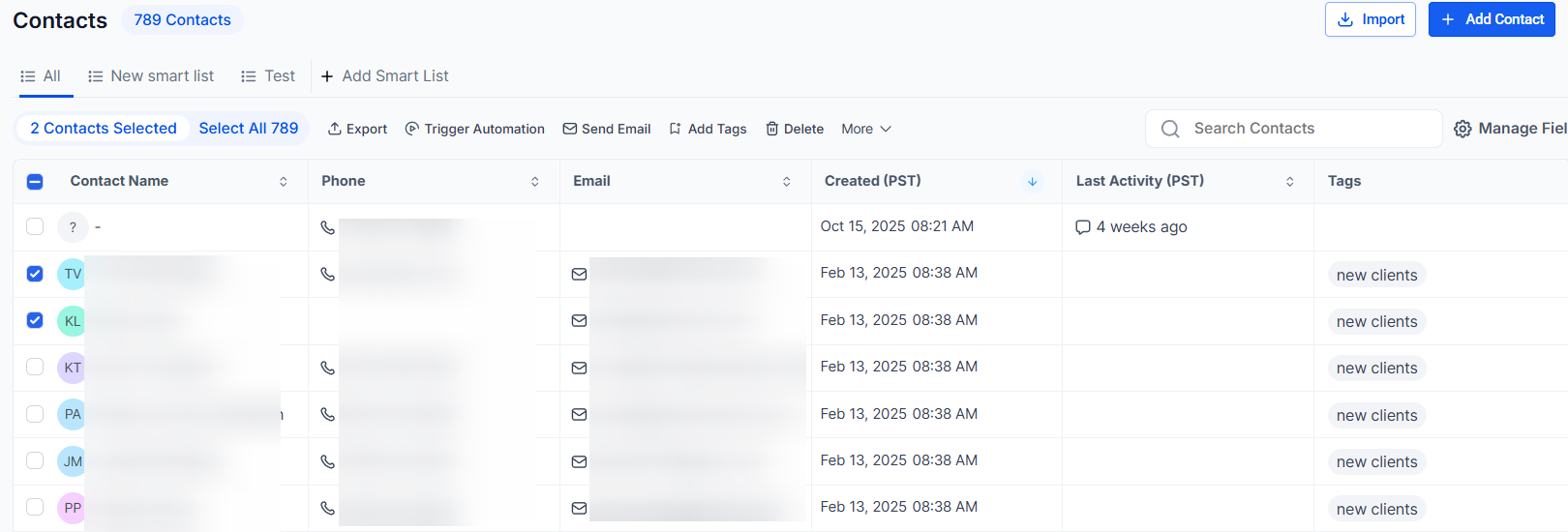
You can also check the box at the top to select all on that page, and you can click the hyperlink to select all contacts in STRINGConnect.
Using the Bulk Actions features in your Contacts/Smart Lists section, you can perform multiple one-off actions to selected or all contacts. This guide shows you how to add or remove tags using the bulk action feature.
Navigate to your contacts.
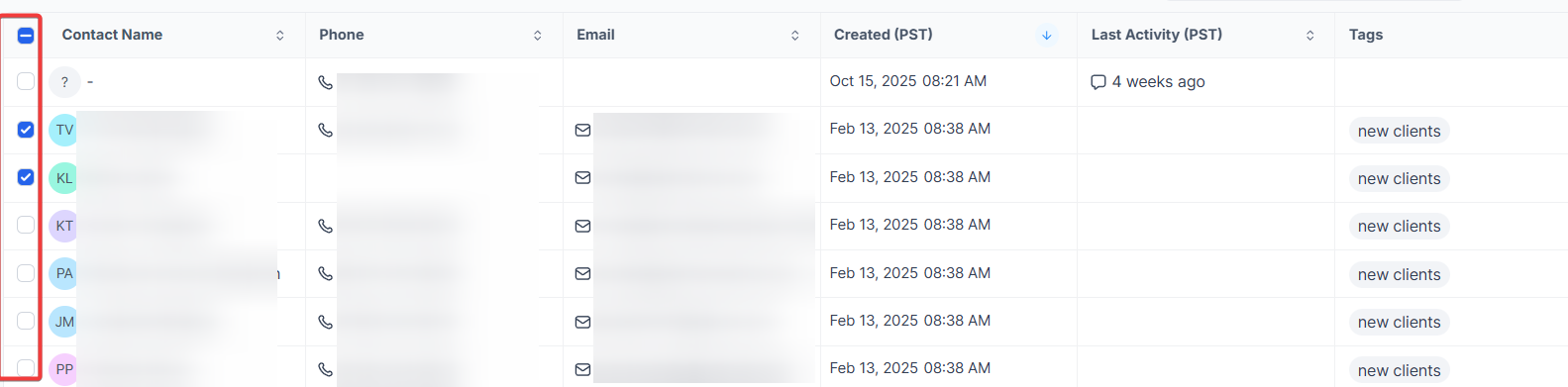
Check the box to select contact records.
You can also check the box at the top to select all on that page, and you can click the hyperlink to select all contacts in STRINGConnect.
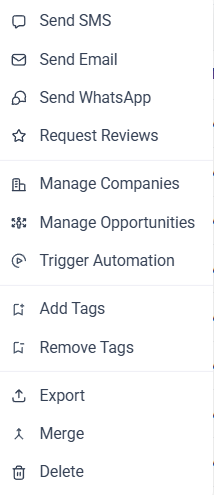
Choose the icon for "Add Tag" or "Remove Tag".
In the pop-up window that appears, type in a keyword and select one or more tags to apply or remove. Then click "add tags" to add them to contacts, or "remove tags" to remove them.
<aside>
</aside>